How to organize simultaneous interpretation for a conference, church or wedding: 7 steps
Events in Armenia are becoming more and more multilingual. Foreign speakers present at conferences, guest preachers visit churches, and diaspora relatives who don't understand Armenian well attend weddings. The good news is that organizing simultaneous interpretation no longer requires an interpreter booth and hundreds of receivers. Below are 7 steps that will help you organize everything without stress. If the topic is new to you, start with our guide Simultaneous interpretation.
Step 1. Decide who will listen and in which language
Start with simple questions. What language will the speaker use? How many guests need interpretation? Into which languages? In Armenia the most common pair is English to Armenian, but at many events some guests prefer Russian. Add one question to the registration form: "Which language would you like to listen in?" That way you will know the real demand in advance.
Step 2. Choose the interpretation format
There are three main options, and each has its place.
| Format | How it works | When it fits |
|---|---|---|
| Consecutive interpretation | The speaker pauses, the interpreter repeats | Small meetings, short talks. The talk takes twice as long |
| Classic simultaneous interpretation | The interpreter works from a booth, guests listen through receivers | Legal, diplomatic, medical events |
| AI simultaneous interpretation | Speech is translated in real time, guests listen and read on their phones | Conferences, lectures, church services, weddings |
If you want to compare prices, read our detailed article How much simultaneous interpretation costs in Armenia.
Step 3. Make sure the sound is clean
Interpretation quality starts with the microphone. Whether it's a human interpreter or AI, if the speaker's voice is muffled or mixed with the noise of the hall, the interpretation will suffer too.
- Use a good microphone: a clip-on (lavalier) or a handheld one.
- If the hall has a sound system, ask the sound engineer for a separate output from the speaker's microphone.
- Avoid loud background music while the speaker is talking.
With Verba the speaker page opens in a browser on a laptop or tablet, and you simply select the right microphone.
Step 4. Prepare how guests will join
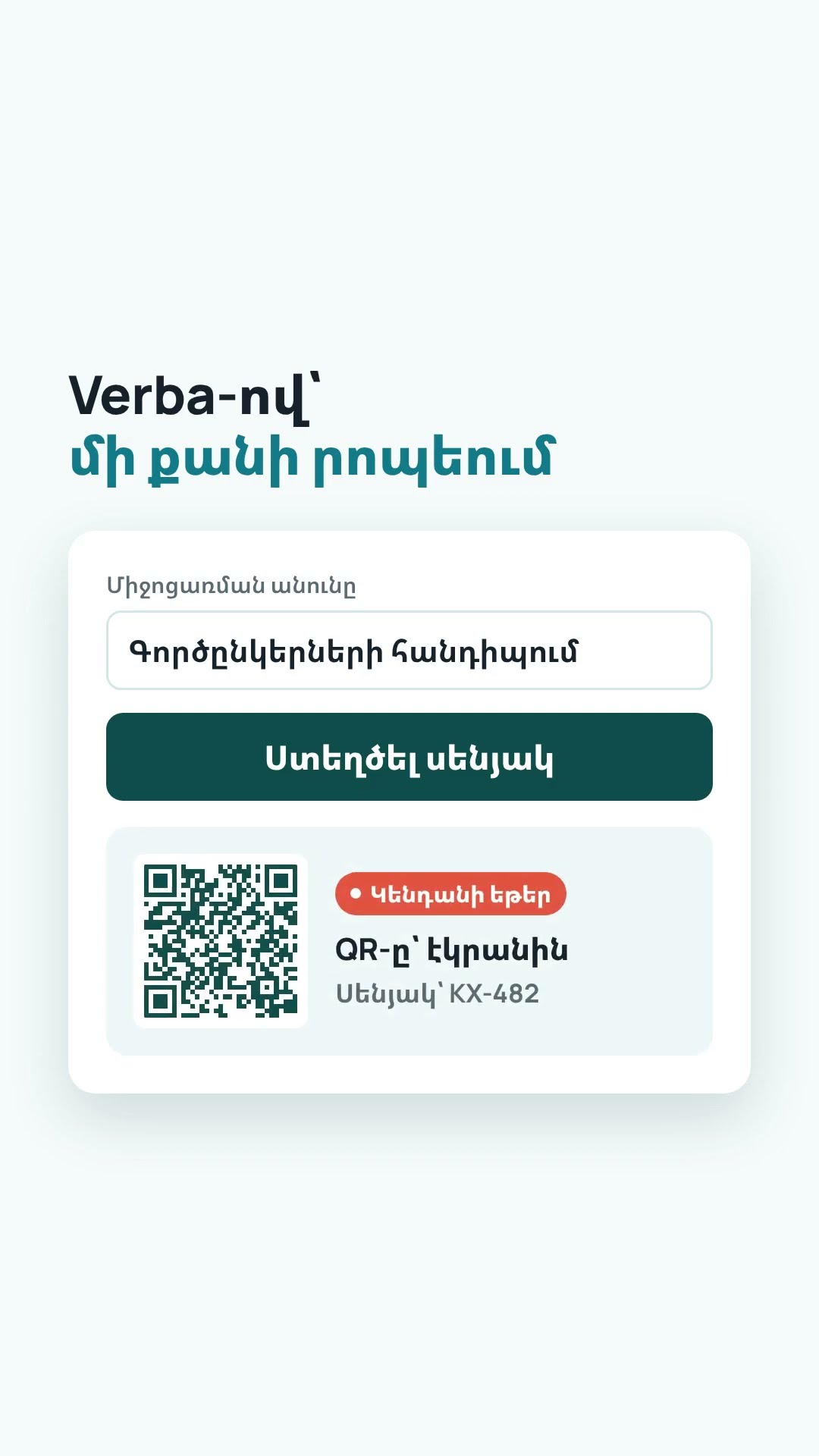
The easier it is to join, the more people will use the interpretation. In Verba you create a room and get a QR code. A guest scans it, picks a language and starts listening. No app, no sign-up.
Where to place the QR code:
- on the big screen at the start of the event and after breaks,
- on the tables and near the entrance,
- in the printed programme or church bulletin,
- in the invitation email.
Show the room code there as well, for people who prefer to type it in.
Step 5. Remind guests about headphones and the internet
This step is often forgotten. In the invitation or reminder email, write: "Please bring your headphones." Keep a few cheap spare headphones at the entrance for people who forget.
Guests' phones need the internet. Check the hall's Wi-Fi and mobile signal in advance. If the Wi-Fi has a password, put it next to the QR code. For large events, talk to the venue's technical team beforehand so the network can handle many connections.
Step 6. Do a test run
One or two days before the event, do a 15–30 minute test in the same hall with the same microphone. Ask the speaker to read part of their talk. Join as a guest from several different phones and check the voice and text. In Verba the first 30 minutes are free, so the test costs you nothing.
Give the speaker a few tips in advance: speak clearly, not too fast, and pronounce names and terms plainly. The interpretation arrives with a delay of a few seconds, so a short pause helps during jokes and Q&A.
Step 7. On the day of the event
- At the start, the host should announce that interpretation is available and show the QR code on the screen.
- Assign one person to help guests join.
- Track the number of connected guests and the room status from the dashboard.
- Show the QR code again after the break for latecomers.
Special cases: church and wedding
Church services. Many communities in Armenia regularly host English-speaking preachers. Hiring an interpreter and equipment every week is expensive, while a QR code can stay posted in the hall permanently. For regular services Verba has a community plan: 60,000 AMD per month, up to 8 hours.
Weddings and family events. When some guests are from the diaspora, interpretation helps everyone follow the toasts and speeches. Text interpretation is especially convenient: a guest can read it on the screen without headphones.
Checklist before the event
- The speaker's and guests' languages are decided
- The interpretation format is chosen
- The microphone and audio output are checked
- The QR code is printed and shown on the screen
- Guests have been reminded about headphones
- The Wi-Fi is checked
- A test run has been done
Ready to start? Create your first room and try the first 30 minutes for free, or see the prices.